Selah Note Taking App vs Paper Bible Journaling Which Wins
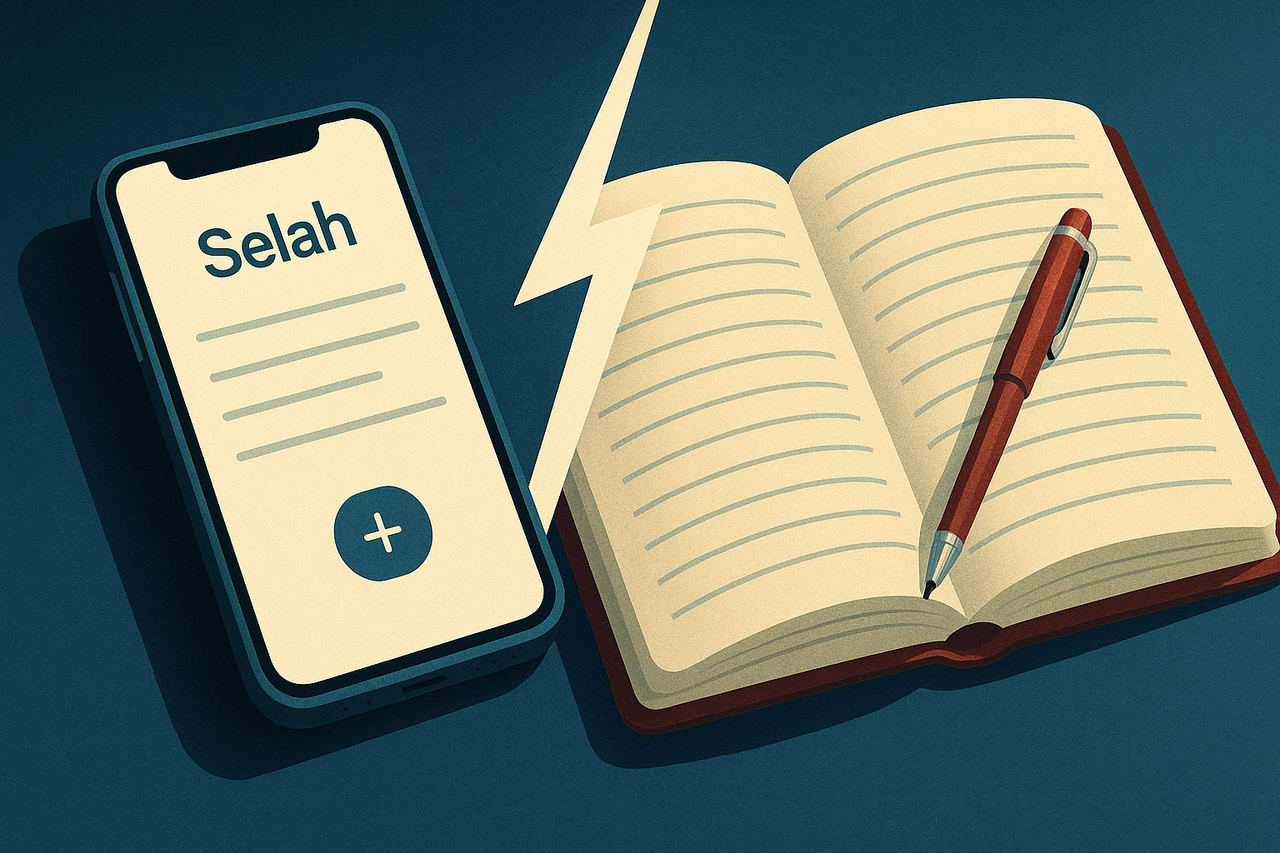
Selah Note Taking App vs Paper Bible Journaling Which Wins
Your sermon notes are in three places right now. A photo of the bulletin. A voice memo you recorded during the closing song. A journal entry from two Sundays ago that you cannot find. The Selah note taking app was built for exactly this problem: one place where the verse, your thought, and the sermon context live together and stay searchable.
This is a Selah Bible note taking app review for the person who has tried paper, tried the notes app on their phone, and still feels like their study is scattered. The goal here is simple: show you the actual workflow, where it helps, where paper still wins, and how to set it up so this Sunday's notes are still useful six months from now.
Key Takeaways
- Download the Selah note taking app before this Sunday and set up one notebook for your church series so your notes have a home from day one.
- Turn on AI sermon transcription during your next service so you capture the full message without missing a word while you write your own thoughts alongside it.
- If you are a pastor building a sermon rather than a listener taking notes, start your prep at SermonMates where the outlining and research tools are built for that specific workflow.
- After your next sermon note session, spend five minutes linking the verses you wrote down to the actual passages in Selah so your notes become searchable study material instead of a one-time record.
- Share your notes with one person in your small group this week to test the collaboration feature. If it saves a single follow-up conversation, it earns its place in your routine.
On this pageThe Real Problem With Scattered Sermon NotesWhat the Selah App Actually Does During a SermonPaper Bible Journaling: Where It Still WinsHow Selah Links Your Notes to the Verses You Are StudyingSermon Notes Specifically: When to Use SermonMatesSetting Up Selah So Your Notes Actually Stay OrganizedWhich One Fits Your Study HabitDownload Selah and Start Your First Sermon Note This Sunday
The Real Problem With Scattered Sermon Notes
The problem is not that you stop taking notes. The problem is that you cannot find them again when they matter. Paper journals feel right in the moment. The act of writing by hand is deliberate, focused, and personal. But at 11pm on a Tuesday when you need that quote from a sermon on Ephesians 3, you cannot search a notebook.
Voice memos are worse. They capture the moment but almost never get replayed. Screenshots of slides pile up in your camera roll with no context attached. None of these tools are wrong on their own. The gap is that none of them connect your thought to the verse it came from.
That connection is what changes a note from a record into a starting point. When your thought about grace in Romans 5 is linked to the actual passage, the cross-references, and the original Greek word behind it, you have something you can build on. When it is a line in a notebook, you have a memory.
The retrieval gap is the real cost. Writing the note is not the hard part. Finding it again, in context, weeks later, is where most study habits break down. Any system you build should answer this question first: how will I search this in three months?
What the Selah App Actually Does During a Sermon
The Selah app includes AI-powered sermon note-taking that transcribes what is being said and links spoken Bible references directly to the verse text. No manual typing required during the message. The AI catches the reference, pulls the verse, and attaches it to your note automatically.
The editor is built like Notion for mobile: headings, bullets, verse blocks, and free-form text all in one place. You can structure a note with a sermon title at the top, drop in a verse block mid-message, and add a bullet thought underneath it, all without leaving the app or switching to a browser.
Live reading mode lets you follow along in Scripture with others on a call. If your small group is walking through a passage together, everyone sees the same text in real time. Your notes and the passage stay in sync. This is the feature that makes the app genuinely different from a notes app with a Bible tacked on.
The app is free on Android. Download it, start a note before the sermon begins, and your notes from this Sunday are searchable before next Sunday arrives.
Get the Selah App on AndroidAI sermon transcription, a Notion-like mobile editor, live Scripture reading with others, and every note linked to the verse it came from. Free to download, no subscription required.Download on Google Play →
Paper Bible Journaling: Where It Still Wins
Paper has one advantage no app can match: zero distraction. No notifications. No battery anxiety. No temptation to check anything else. When you write by hand, you are fully in the room.
There is also a real cognitive case for slow, deliberate note-taking. Writing by hand forces you to process and compress what you heard, which tends to improve retention compared to typing everything verbatim. If your goal is to absorb the message in the moment, paper serves that goal well.
Illustrated Bible journaling, adding color, margin art, hand-drawn maps, is a creative worship practice that belongs in its own category. No app replaces the experience of sitting with a passage and responding to it visually. That is not a note-taking workflow. It is a form of meditation.
The honest trade-off: paper wins on presence and retention during the sermon. It loses on organization, search, and connection to the actual Scripture text over time. If you journal by hand on Sunday, consider spending two minutes on Monday logging the key verse and your main insight into Selah. You get both.
How Selah Links Your Notes to the Verses You Are Studying
This is the feature gap that most app comparisons skip entirely. Selah does not just store a note near a verse. It connects your written thought to the full biblical context available on the Selah platform: character profiles, dictionary entries, cross-references, and Matthew Henry's Complete Commentary.
When you note something about Paul's letter to the Ephesians, the app ties that note to the passage, not just a timestamp. That means when you come back to it, you are not reading an isolated sentence. You are back inside the text.
The Strong's interlinear reader on myselahh.com maps every word in the passage to its original Hebrew or Greek concordance number. If a word in your sermon note catches your attention, you can trace it back to the original language without opening another app or browser tab. That is the difference between a note and a study thread.
Start with one word, not the whole passage. When a word from the sermon sticks with you, look it up in the Strong's interlinear on myselahh.com before you close the app. One word traced back to the Greek or Hebrew often opens more than a full commentary paragraph.
Sermon Notes Specifically: When to Use SermonMates
If you are a pastor or preacher building a full sermon outline, the Selah app is not the right tool for that job. SermonMates is built for the preaching workflow: structuring an outline, organizing supporting passages, and preparing a message from the ground up.
The Selah app handles the listener side. It captures what you hear, tags the verses, and keeps the message retrievable. SermonMates handles the builder side. Knowing which tool fits which role means you stop forcing one app to do two different jobs.
If you preach and attend services, use both. Build your sermon in SermonMates. Take notes on the sermon you hear in Selah. The workflows do not overlap.
Setting Up Selah So Your Notes Actually Stay Organized
Download the Selah app from the Play Store and create a free account. Before the sermon starts, open a new note. Do not wait until the pastor is three points in.
Use the Notion-like editor to build a simple template: sermon title at the top, speaker name, date, and a verse block for the main passage. Everything else flows from that structure. A note with no anchor drifts. A note anchored to a passage stays findable.
After the service, spend two minutes tagging the key passage. That single step connects the note to the broader study tools on the platform and makes it searchable by book, chapter, and verse. Two minutes now saves twenty minutes of searching later.
The AI transcription feature works best when you let it run in the background and clean it up afterward. Trying to edit the transcript live splits your attention during the sermon. Let it capture, then review.
Which One Fits Your Study Habit
If your goal is presence and creative expression during worship, paper has a strong case. Sit with the text, draw in the margins, write slowly. That practice has real value and no app should replace it.
If your goal is building a connected study library you can search, share, and build on week after week, the Selah app wins on every practical measure. AI transcription, a rich mobile editor, live Scripture reading, and a direct link back to deep study tools, all free, all in one place.
The sharpest answer: use paper for the moment, use Selah for the long game. Journal by hand on Sunday. Log the key verse and your main insight into Selah before Monday. You keep the presence of paper and the searchability of a structured library.
Pros & ConsProsAI transcription links spoken Bible references to verse text automaticallyNotion-like editor keeps notes structured without extra appsLive reading mode syncs your notes and the passage with others in real timeFree on Android with no subscription requiredNotes connect to Strong's interlinear, character profiles, and Matthew Henry commentary on myselahh.comConsCurrently Android only — iOS users will need to wait or use the web platformAI transcription works best cleaned up after the sermon, not edited livePaper journaling and illustrated Bible art have no digital equivalent in any app
Download Selah and Start Your First Sermon Note This Sunday
The app is free on Android. No subscription. No paywall on the core features. One note from this Sunday, properly tagged and linked to the passage, is worth more than a notebook full of entries you cannot find.
Open the app before the sermon starts this week. Set up the template: title, speaker, date, verse. Let the AI run. Clean it up on the drive home. By Sunday evening you will have a note that is still useful in January.
Download the Selah App — Free on AndroidTake AI-powered sermon notes, follow Scripture live with your group, and keep every thought linked to the verse it came from. No subscription needed to get started.Get It on Google Play →
Your study does not have to live in three places. One app, one library, one search bar that actually finds what you wrote six months ago. That is what the Selah note taking app is built to give you.
Frequently asked questions
Can the Selah app transcribe a sermon automatically, or do I have to type everything?
Yes, Selah includes AI sermon note-taking that transcribes the message as it happens, so you are not choosing between listening and writing. You can add your own thoughts alongside the transcript in the Notion-like mobile editor without losing your place in the sermon.
How is the Selah app different from just using the Notes app on my phone?
The Notes app stores text. Selah connects your text to the Bible passage it came from, which means your note on Romans 8 is linked to the actual verse and stays findable by topic, book, or keyword. The difference shows up six months later when you actually need to find something.
Can I share my sermon notes from Selah with my small group or Bible study?
Yes. Selah supports live reading together and shared note sessions, so your group can follow the same passage and see each other's notes in real time. This makes post-sermon discussion easier because everyone is working from the same text.
Where does SermonMates fit in if I am a pastor preparing a sermon rather than a listener?
SermonMates is built for the preparation side: outlining, research, and structuring a message before you preach it. The Selah note taking app is better suited for the listener capturing what they hear. Pastors often use both, one to build the sermon and one to capture feedback and ideas during delivery.
Does the Selah app work offline if I have no signal at church?
Check the current offline support directly in the app listing since this can change with updates. As a general practice, open your notes and any passages you plan to reference before you lose signal so the content is already loaded.
Is the Selah note taking app free to use for sermon notes?
The app is available to download free on Android. Core note-taking and Bible study features are included without a paywall, which matches the broader Selah platform philosophy of keeping Bible study tools free for everyone.
Start Studying Deeper, FreeSelah gives you a full Bible reader, 272+ character profiles, Strong's interlinear data, and Matthew Henry's commentary alongside your notes, all without a subscription. Everything your sermon notes point to is already there waiting.Explore Selah Free →
Comments
Be the first to comment.